Delivery Piece Category
Delivery Piece Category Overview
These are the categories of the Delivery Pieces that are used in the Shipment section.
Create Delivery Piece Category
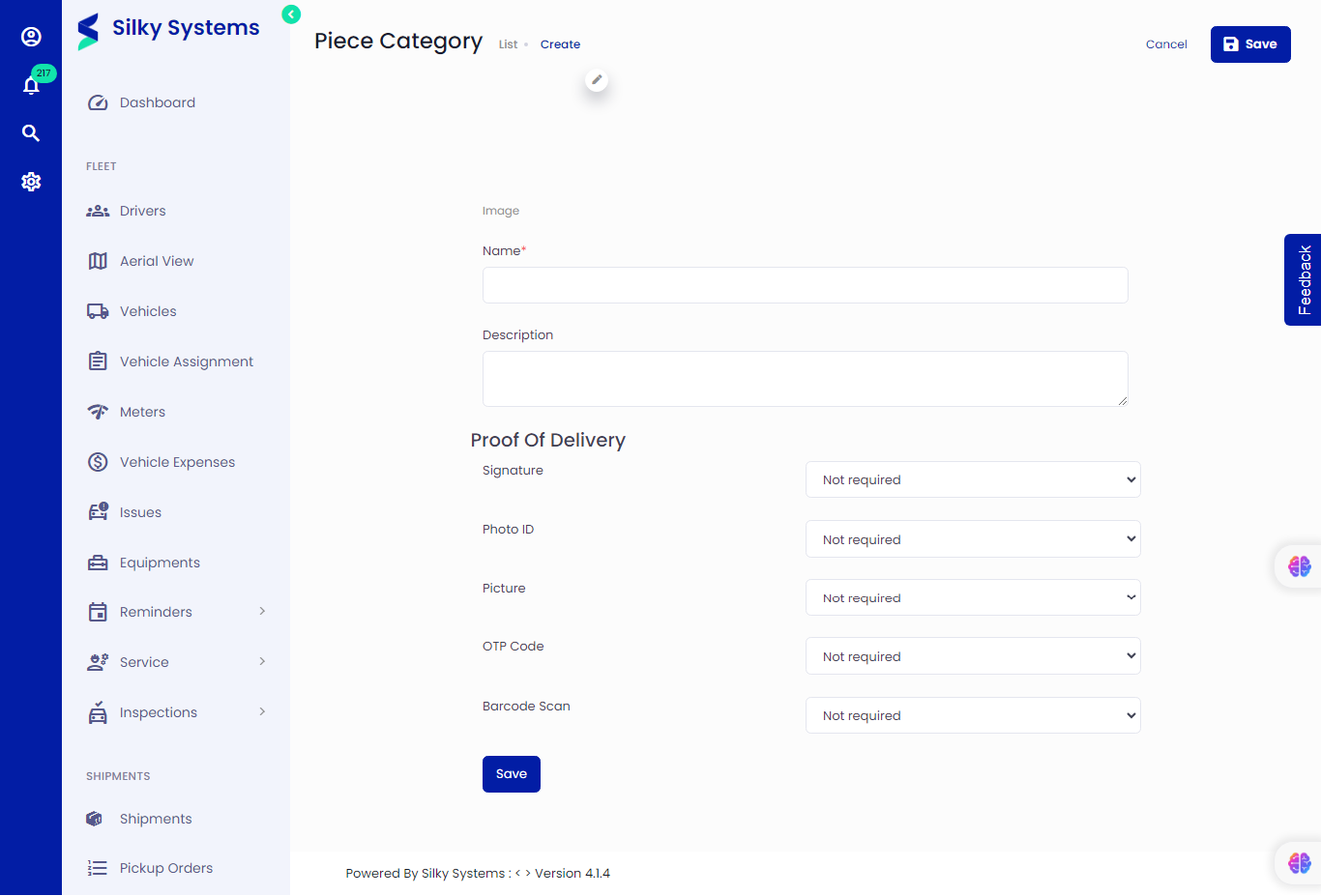 Figure.01 Create Delivery Piece Category
To create a new Delivery Piece Category, click on Settings -> Delivery Piece Category -> Add New. Type in the piece category details and set the Proof of Deliveries. Click save.
Proof of Delivery
As the name indicates, the proof of delivery is a set of proofs that the shipment has been delivered to the customer. You can select which type of proof is required, not required or optional.
Edit Delivery Piece Category
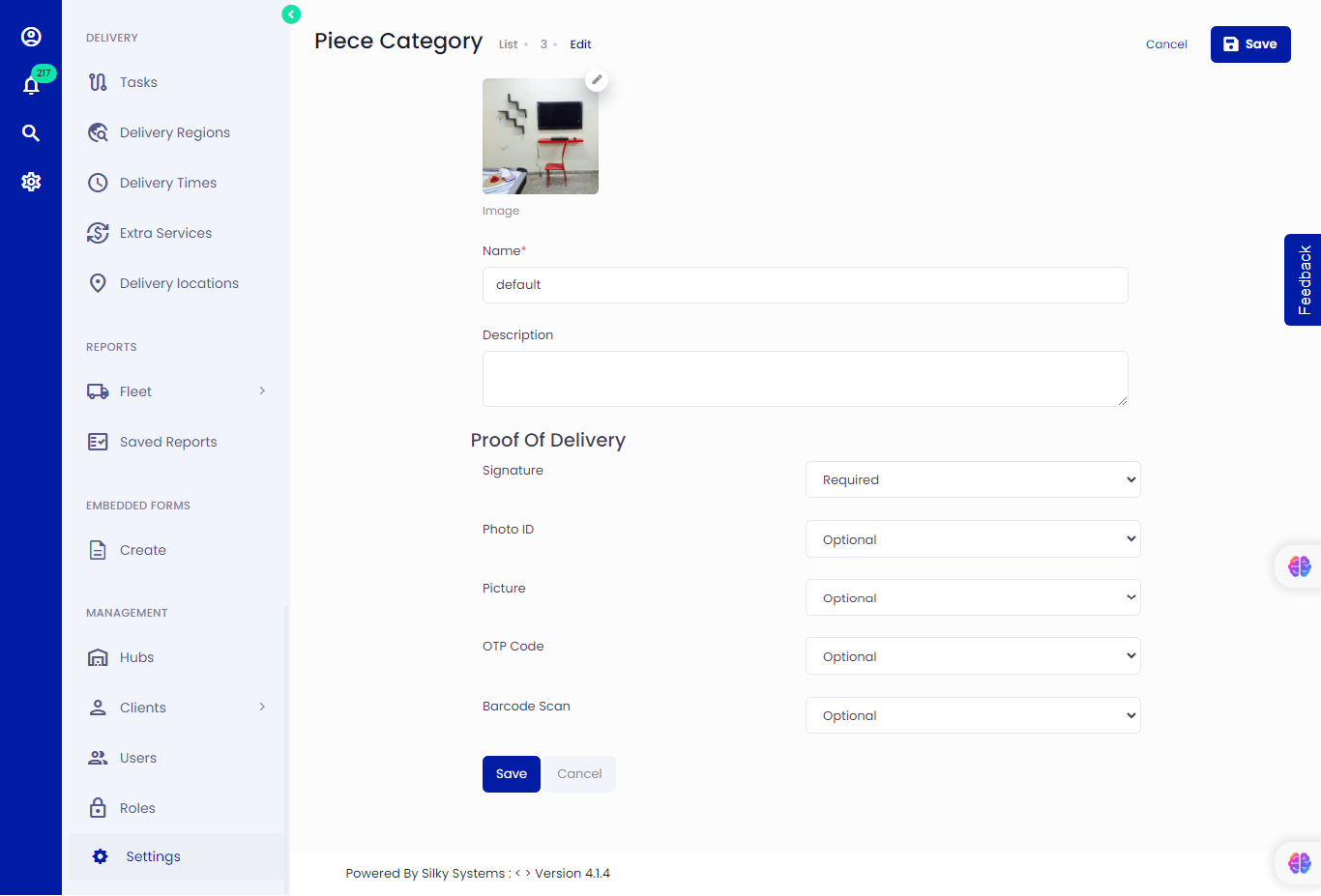 Figure.02 Edit Delivery Piece Category
Similarly, you can edit the piece category details from the Delivery Piece Category List click on the edit icon.
View Delivery Piece Category
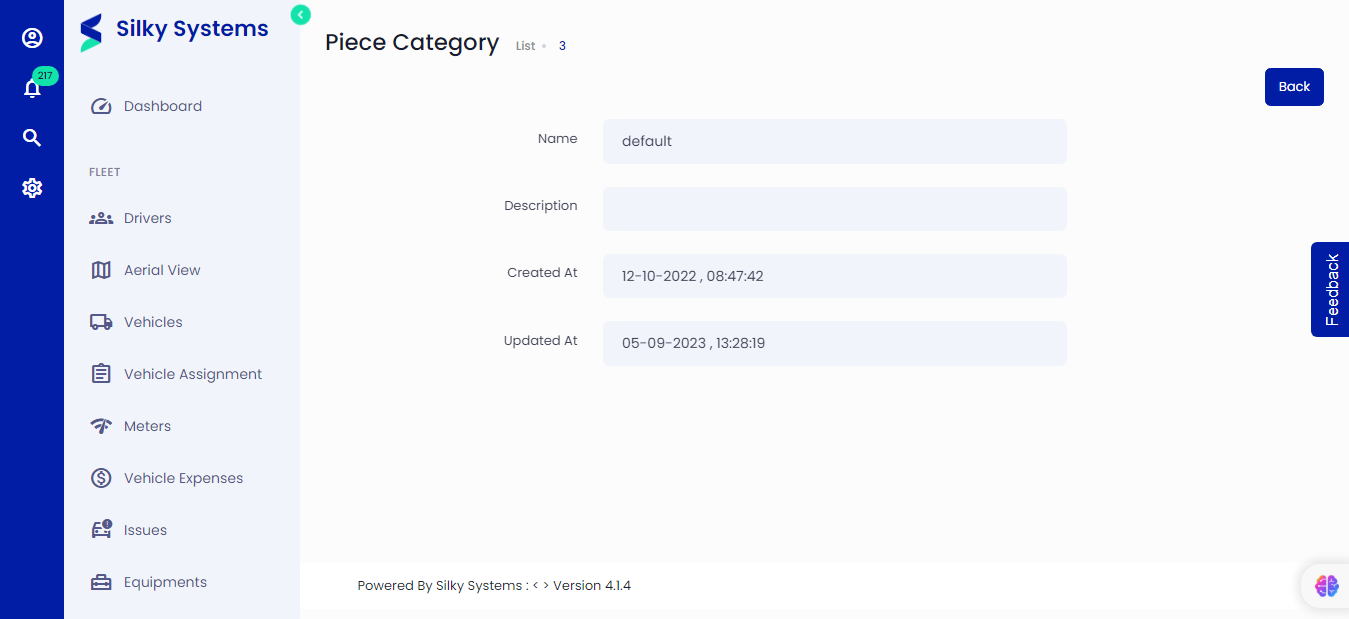 Figure.03 Edit Delivery Piece Category
Click on the view icon to view the Delivery Piece Category details from the Delivery Piece Category List.
List Delivery Piece Category
All the Delivery Piece Categories are listed on the Delivery Piece Category page. Click on Settings -> Delivery Piece Category
 Figure.04 Delivery Piece Category